I’ve been working with assisted coding for a couple of years now, and in that time, I’ve tried pretty much every subscription tier available, from individual pro plans to enterprise team seats.
When you are managing big teams, or even just scaling your own output as a founder, cost is rarely just about the monthly subscription fee. It’s about the return on investment (ROI). It’s about efficiency. It’s about not getting blocked by a rate limit at 2 PM on a Tuesday.
Pricing models in this space have become intentionally complex. You have token limits, “fast” vs. “slow” requests, 5-hour reset windows, and hidden overage charges.
I recently put together a deep-dive comparison between the three most famous coding stacks—Cursor, Claude Code, and Windsurf—so that you don’t have to do the trial-and-error yourself. You can just pick and choose based on the stage you are at.
The Landscape: UX vs. Raw Power
Before we talk numbers, we have to define the roles these tools play.
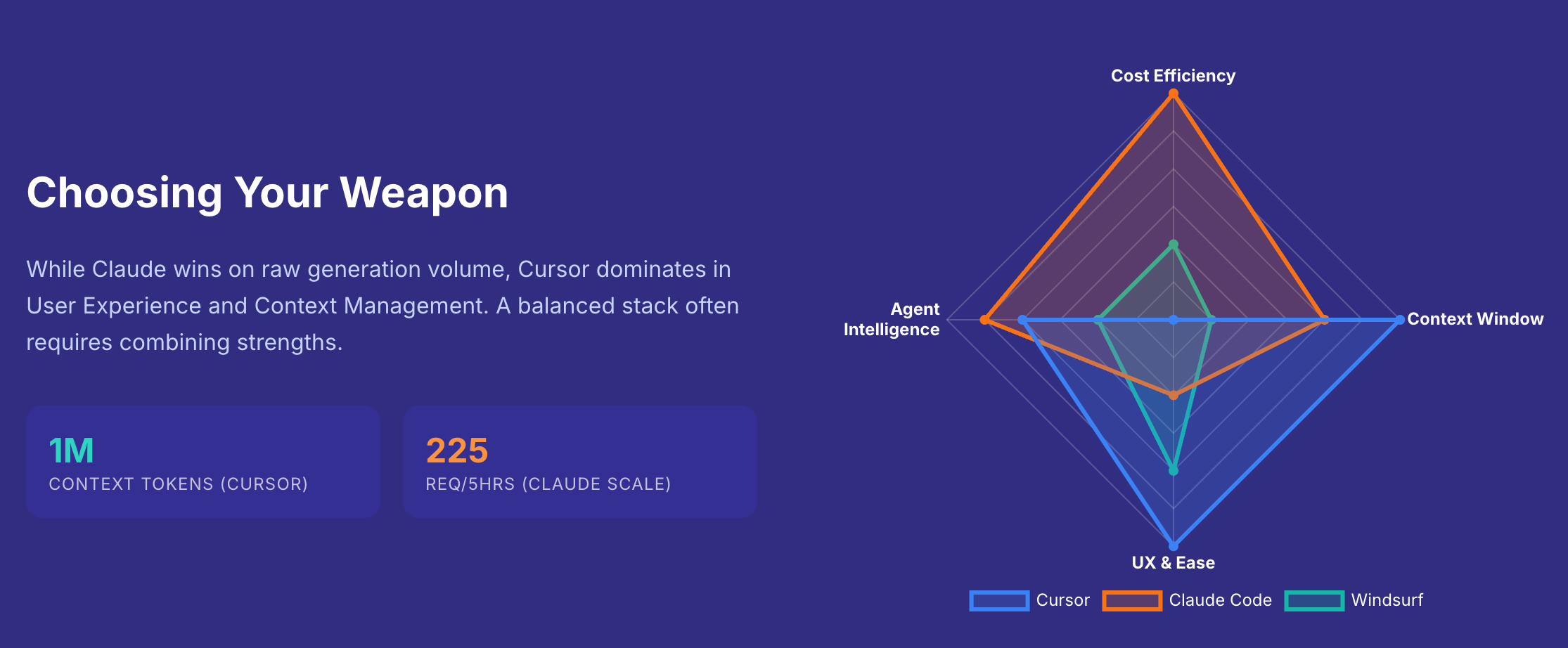
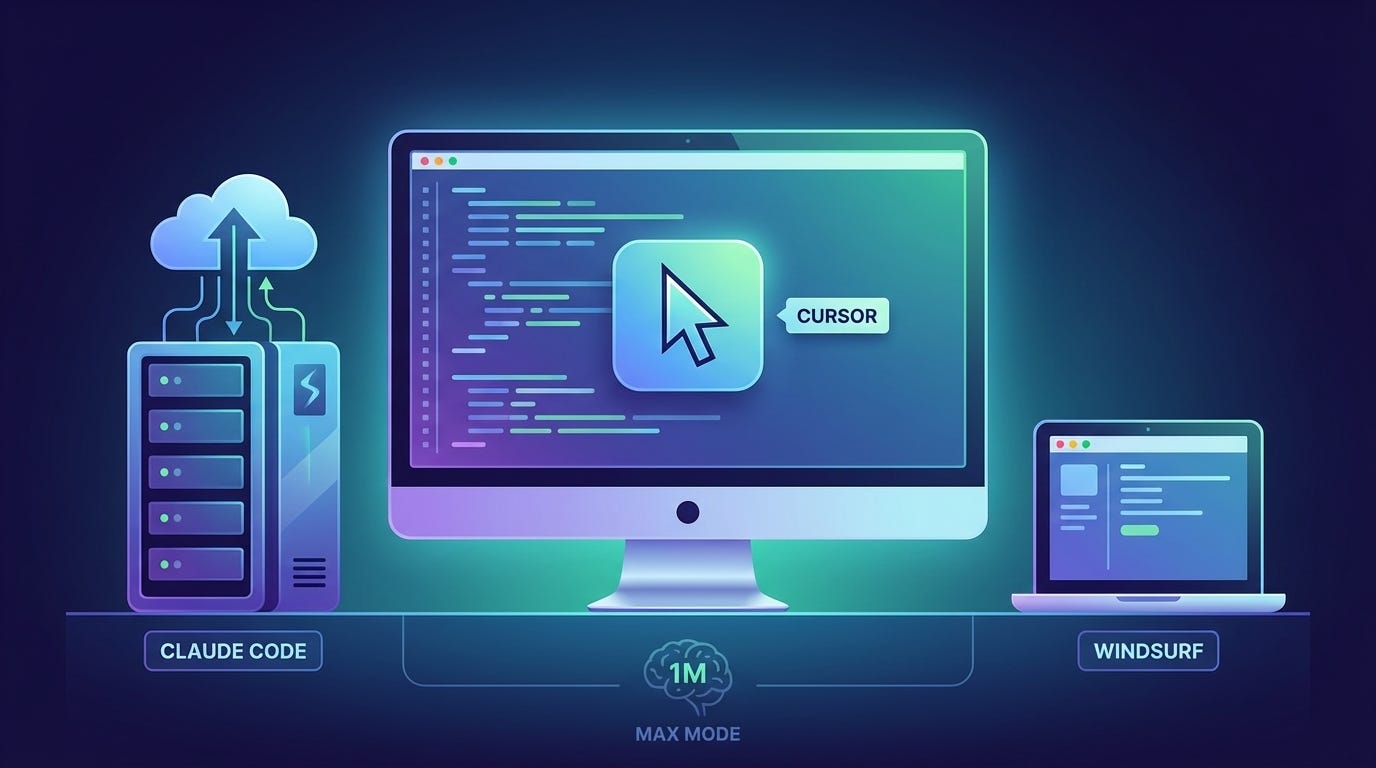
Cursor: This is the daily driver. The IDE. Its UX and context management (especially the 1M token “Max Mode”) are currently unmatched. It is where the code lives.
Claude Code: This is the engine. The heavy lifter. It scales exponentially better than the others when you need high-volume generation.
Windsurf: The budget-friendly backup. Good for scrappy setups, but lacks the high-end context power of Cursor.
The “Cost Per Request” Reality
Here is the metric that matters most: Cost Per Request.
Most people look at the monthly price tag ($20 vs $200) and assume the cheaper plan is more efficient. My analysis found the opposite.
Standard Pro Plans ($20/mo): You are often paying up to 4 cents per request.
High-Tier Plans ($200/mo): Specifically with Claude Code Max, the leverage is massive. You are paying less than half a penny per request.
Most tools scale linearly (pay 3x more, get 3x usage). Claude Code scales exponentially—jumping to the higher tier gives you roughly 20x the leverage. If you are building seriously, the expensive plan is actually the cheapest per unit of work.
Three Stacks for Three Stages
Based on this, I’ve categorised the optimal setups into three “archetypes.”
1. The “Scrappy” Stack (Budget)
Cost: ~$20/mo
Strategy: The Juggling Act.
You use Claude Code Pro until you hit your 5-hour limit, then you domino down to the free tiers of Cursor and Windsurf. It’s cheap, but you pay for it in cognitive load and context switching.
2. The “Middle” Stack (Recommended)
Cost: ~$120/mo
Strategy: Balance.
This is the sweet spot for most active developers. You combine Cursor Pro ($20) for the superior interface and specific context tasks, with Claude Code Scale ($100) to handle the bulk of the heavy generation. You get the best UX and high volume without breaking the bank.
3. The “Baller” Stack (Power User)
Cost: ~$220/mo
Strategy: Unconstrained Speed.
You keep Cursor at the base Pro level (because upgrading it doesn’t give you enough leverage), but you max out Claude Code ($200). This effectively puts a full-stack AI developer in your pocket for less than the cost of three hours of a human developer’s time.
My Personal Setup & The Future
Personally, I am currently running the Claude Code Max subscription with Cursor.
For me, the ability to solve complex bugs using Cursor’s context window, combined with the sheer volume of code I can crank out with Claude, is worth every penny of the premium.
However, the landscape changes fast. These days, I am laser-focused on Antigravity. I’ve been testing it in preview and seeing very good results. It has the potential to shift the efficiency curve yet again. I will be updating this analysis once the public pricing for Anti-Gravity is confirmed.
Get the Full Breakdown
I’ve compiled all the data, charts, and efficiency matrices into a single analysis document. It breaks down the math behind the “Cost Per Request” and visualises exactly where the break-even points are.